Friends and family of the con only. This page is an interest check, not a store. We want to know how many people would like a saber of their own, just for fun, after the con. Nothing is charged and nothing is committed. The more people sign up, the lower the price for everyone.
Choose your side
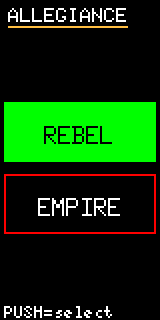
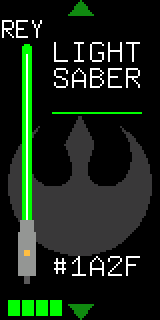
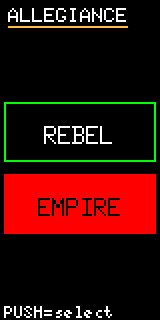
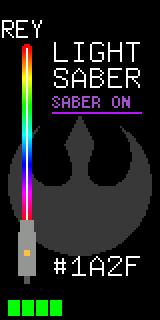
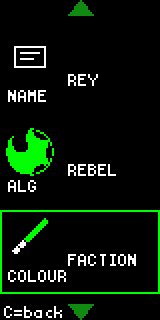
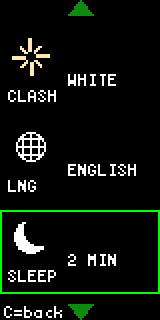
On first power-up the saber asks three things: your language, your side and your name. Your side sets the colour of your blade. You can switch sides whenever you like.

Green blade.

Red blade.
Games
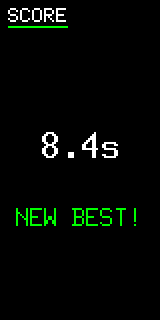
Each game is played with the saber itself: you swing it, twist it, spin it or hold it still. Every game saves your best score, so there's always a record to beat.
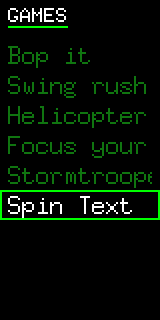
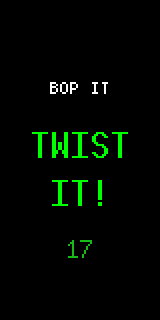
Obey the call before time runs out: bop, twist, pull, slash or jab.
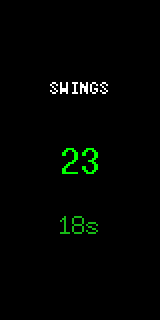
Swing as many times as you can in 30 seconds.
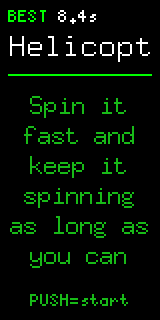
Spin it fast and keep it spinning as long as you can.
Hold still.
March the length of the Imperial March.
Spin the saber and your name, or your battle record, shows up in the air.
Battle
Sabers find each other by infrared. Press Battle and the saber pairs with your opponent's, shows their name and counts you in. Then it's a fair fight: every saber is equal.
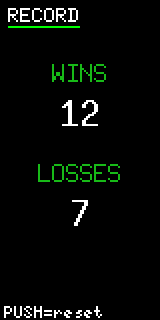
Every win and loss goes on your Record. Reset it whenever you like and start a new rivalry.
Flashlight
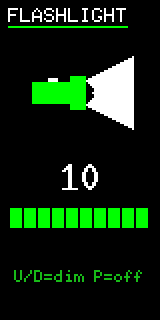
One tile turns the back of the blade bright white. Dim it with the wheel, and press to turn it off. It's useful in tents, power cuts and dark car parks.
Make it yours
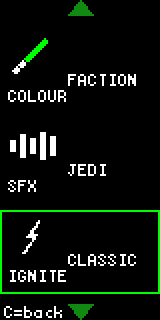
At the con you had to earn the extras. On this edition everything is open from day one: custom blade colours, rainbow mode, ignite styles and sound sets.
Hardware
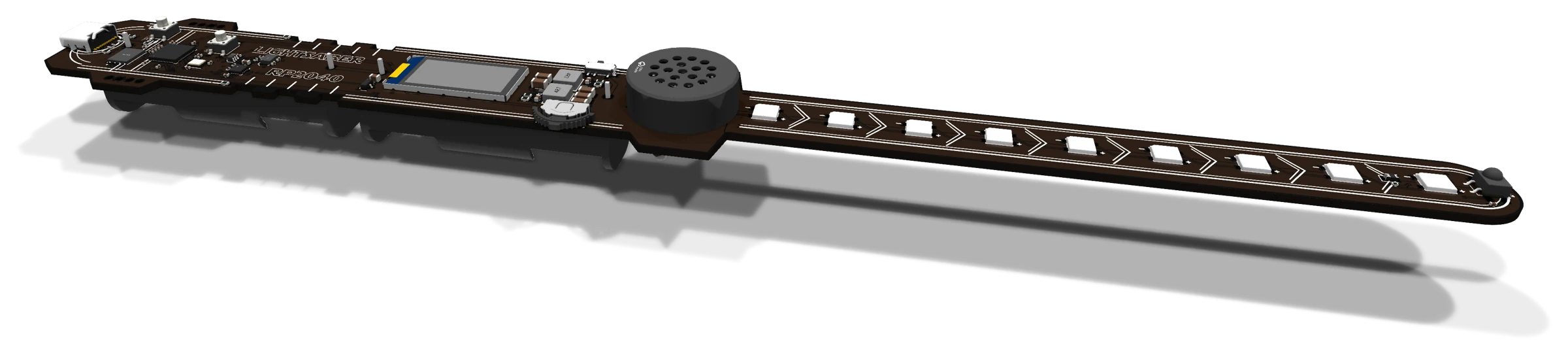
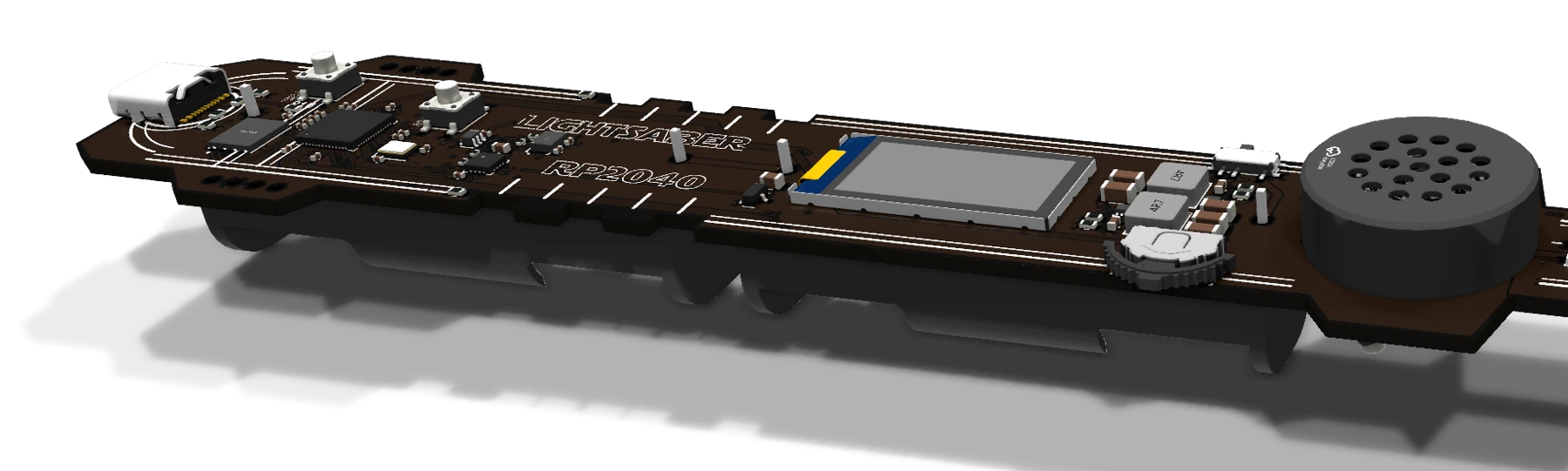
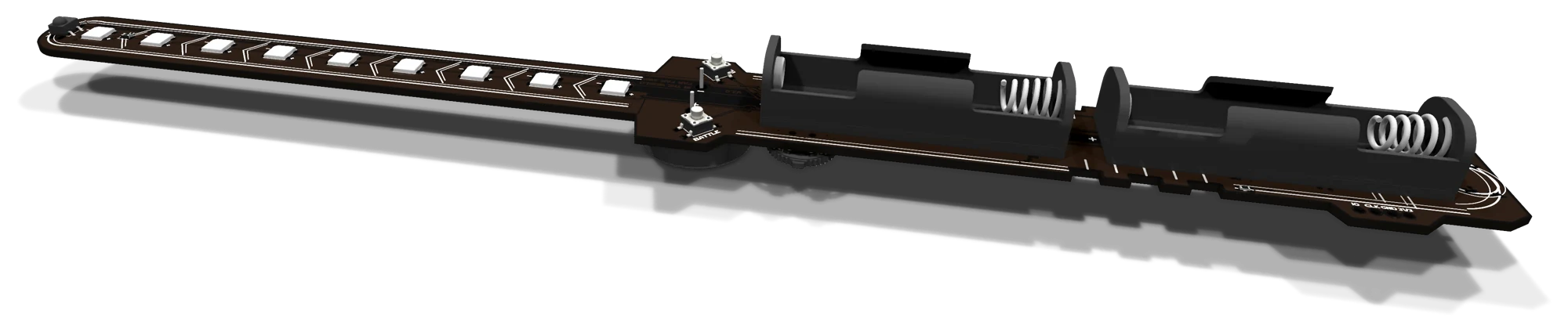
It's a full development board shaped like a saber, with a black 4-layer board and no logos on it. It has an RP2040, a colour display, a motion sensor, a speaker and infrared. And now a USB-C port.

USB-C
At the con, reading or reflashing a saber took a debug probe and three jumper wires. This edition has a USB-C port and a single standalone program, saber-tool. With them you can back up your saber, restore it, flash new firmware and change anything that's saved on it.
RP2 Boot.--probe usb. Commands that only read leave the saber waiting for the next one. Commands that write restart it into its firmware.There's nothing to install. It's a single file for Linux on x86-64 or ARM64 (including a Raspberry Pi). Its only dependency is libudev, which every systemd distro already has.
$ ./saber-tool-x86_64-linux probes
# every debug probe, and every saber in BOOTSEL mode on USB

$ ./saber-tool-x86_64-linux --probe usb backup
# writes saber-tool-<id>-<time>.bin (8 KiB: identity + saved state)

$ ./saber-tool-x86_64-linux --probe usb show
# everything the saber has saved: identity, settings, side, record
$ ./saber-tool-x86_64-linux --help
…
Commands:
  probes           List the debug probes, and badges in BOOTSEL mode on USB, attached to this computer
  show             Print the badge's identity and saved state. Read-only
  backup           Save the identity and state pages to a file (8 KiB). Read-only
  restore          Write a `backup` file back to the badge
  reset            Erase the saved state: the saber starts over at first-boot setup. The identity page is untouched
  handle           Set the saber's name (2-11 characters, A-Z and 0-9)
  allegiance       Set the side: Republic or Empire. The faction blade colour follows it
  record           Set the duel record: wins and losses (0-65535)
  flash            Flash a firmware ELF (e.g. saber-play-fw). The identity and state pages are never touched, so progress survives
…
Options:
      --probe <PROBE>
          Debug probe: VID:PID or VID:PID:SERIAL; or `usb` / `usb:BUS:ADDR` for a badge in BOOTSEL mode on USB (see `saber-tool probes`). Omit with one attached; with several you are asked
backup · restoreSave your whole saber (name, side, record, best scores and settings) to an 8 KiB file, and put it back on any time. --state-only keeps the saber's own identity.
flashLoad new firmware over USB. Your name, record and scores are never touched, so an update doesn't cost you anything.
show · handle · resetSee everything the saber has saved, rename it, or wipe it back to first-boot setup. Every write accepts --dry-run first.
Room kit
Every saber within sight of the room kit plays the same light show at the same moment. The distribution board sends it over infrared from its own emitters and from up to four more on Cat5 cables. Press a button, or play the room from a MIDI keyboard.
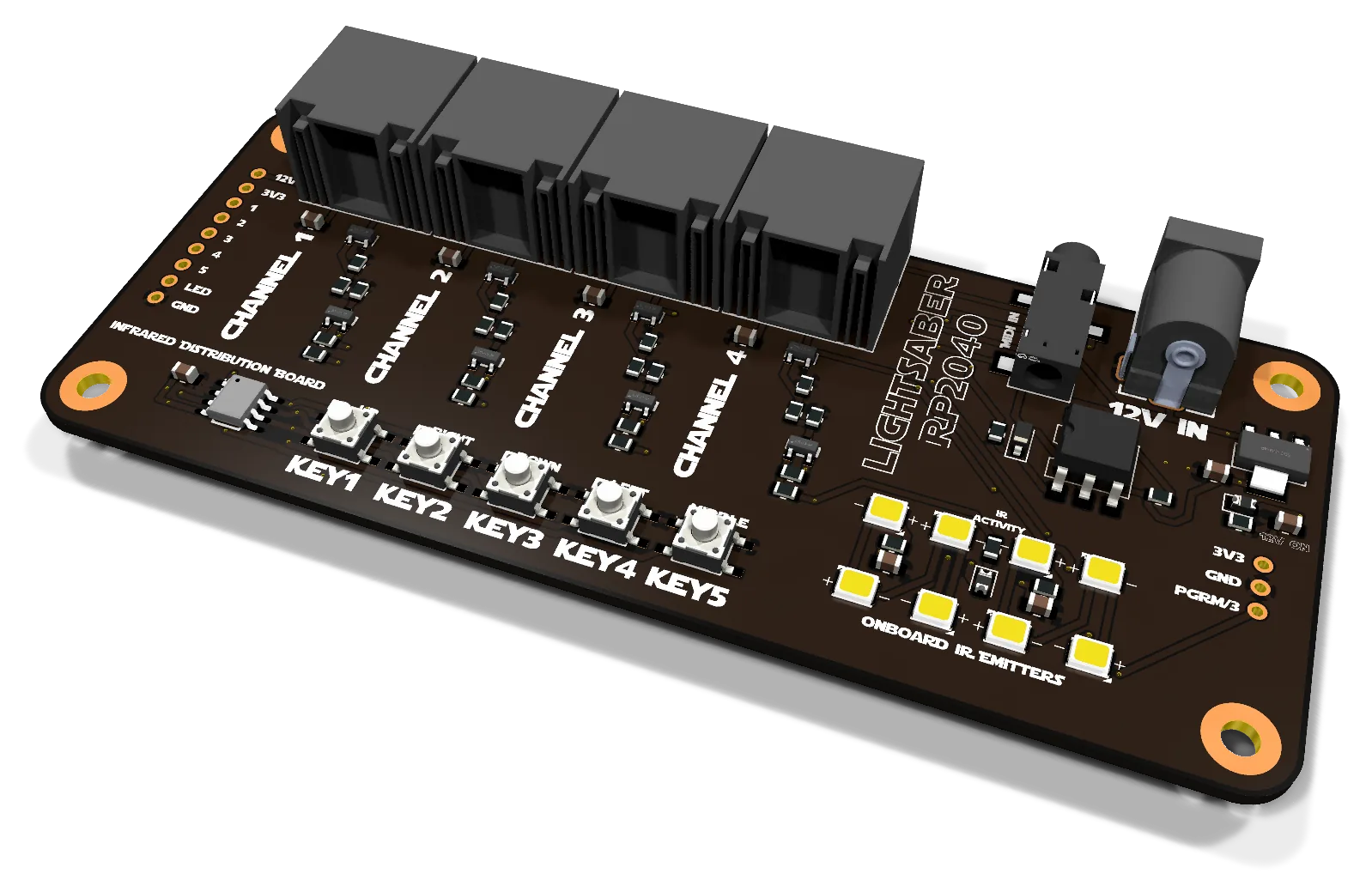
The controller. Its eight onboard infrared emitters cover a small room by themselves. For a bigger one, run Cat5 cables out to emitters on the walls. MIDI is built in, so notes from a keyboard set off the shows in time with the music.
~C$15per board, estimated
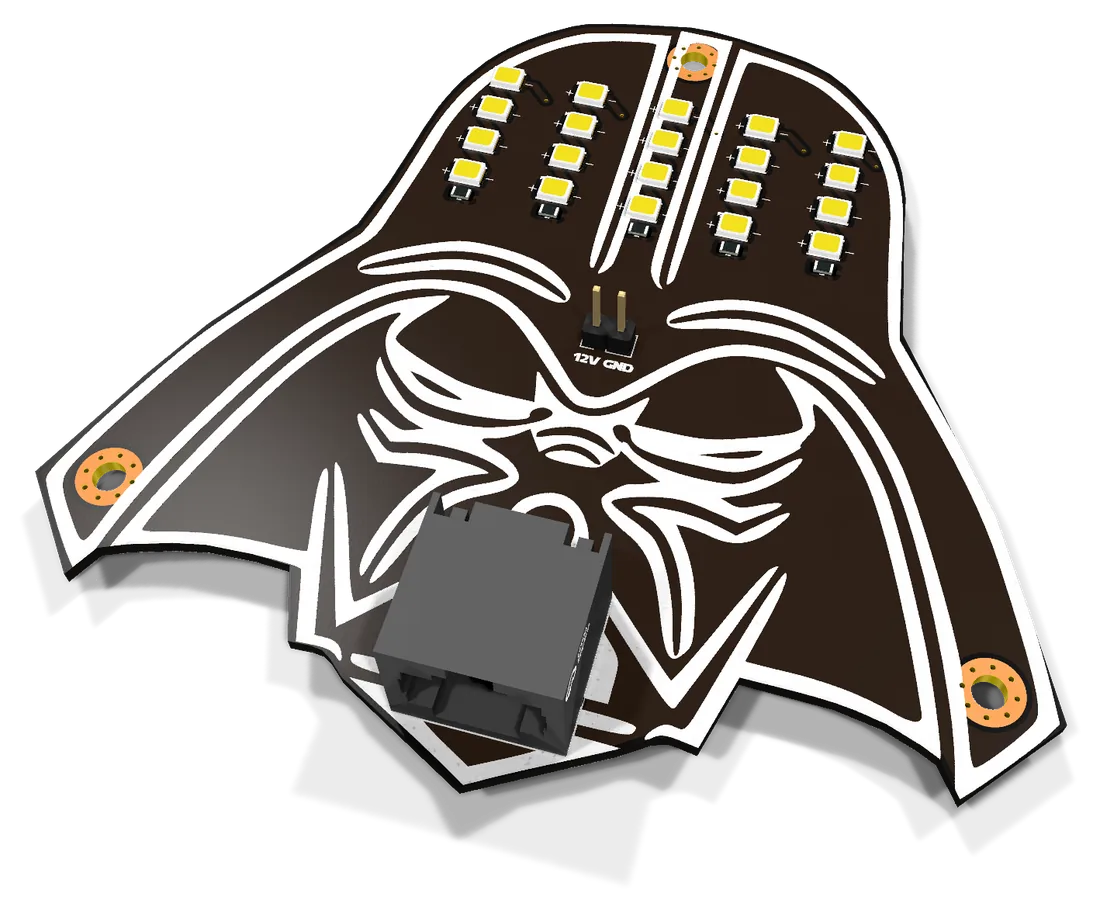
A helmet-shaped panel with twenty infrared LEDs. Screw it to a wall or a stand and plug it into one of the board's four outputs with an ordinary Cat5 cable. Add one per corner of the room, and every blade picks up the show.
~C$8per emitter, estimated
Group pricing
Sabers are built in panels of four, and every order has fixed setup costs. Spreading those costs over more sabers brings the price down for everyone. Pick a group size to see the estimated cost per saber, delivered to Canada.
| Group size | Parts + assembly | Bare boards | Shipping | HST 13% | Brokerage | Order total | Per saber |
|---|
Interested?
Tell us what you'd like: sabers, the room kit, or both. Nobody pays anything until the order has arrived and every cost is known.